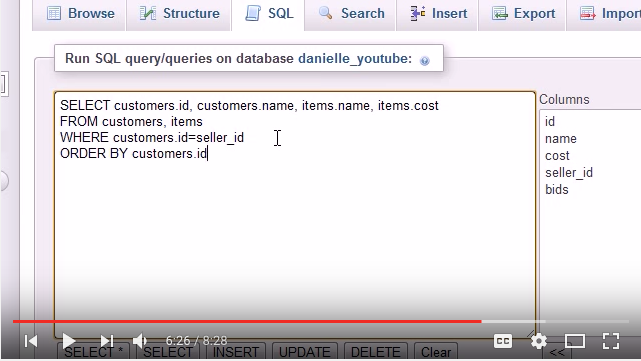
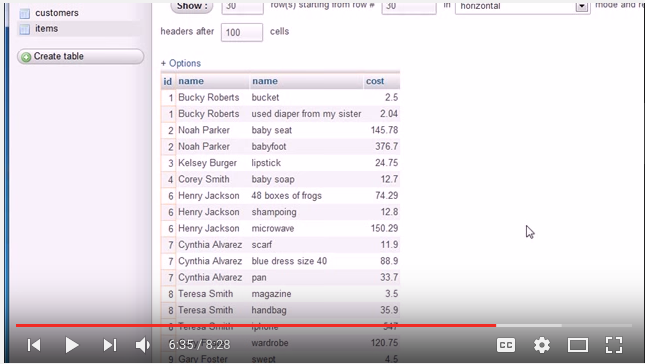
During these tutorials, I firstly learned the SQL language, the concepts associated with it, and its syntax. In addition to that, I also learned how to incorporate SQL into the mySQL database management system. The tutorials consisted of 33 videos which were approximately 6 minutes each on average. They were taught by Bucky Roberts, who is a terrific instructor due to his eloquence in speech and making the tutorials lively with his jolly personality, while feeding the viewers information at the same time. He firstly taught us how to get a database server, which is mandatory if you want to work with mySQL.
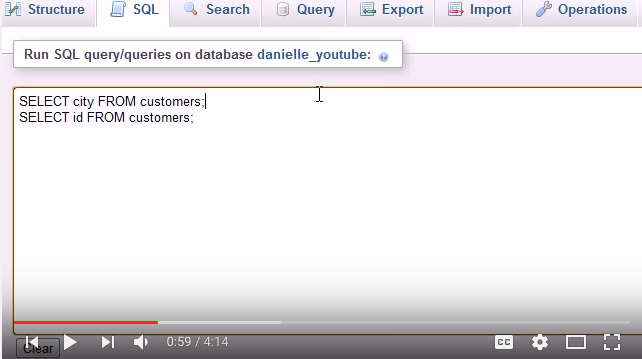
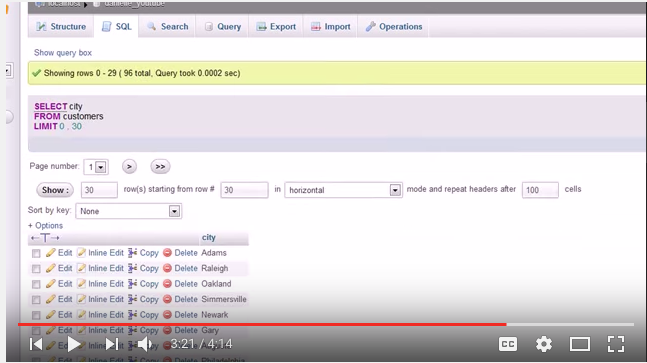
Afterwards, the first thing we covered in these tutorials in terms of syntax were basic functions, such as the SELECT, FROM, and ORDERBY command. The SELECT command lets you sea value in the table by category, which you then use the FROM command to specify which table you take it from. The ORDERBY command lets you choose which value you want to order the selected values from!
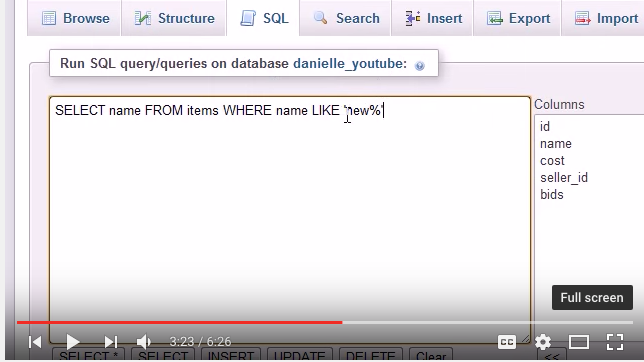
Another concept that I learned from this tutorial which intrigued me was how search engines worked. During his 13th video, Bucky showed us how search engines often filter results by introducing us to something called a wildcard. This is merely a special function which lets you sort what exactly you want to search for and remove all unwanted results. For example, if you want to search for a word in your table which ends with the phrase "computer", all you would have to do is insert the command, "LIKE "%computer"" into your SQL statement. This would filter results to only include any word which ends with the phrase "computer"!
Often times, we have two seperate tables that we may want to merge in order to extract information from. It can be that both of the tables are complementary to each other in terms of data, or simply the fact that you may want to merge two tables to be able to extract data more suitably. We learned about outer joins and inner joins, and the fact that the inner join is the most common join. Joining two tables together can be a very useful tool if you are attempting to compare data. However, Bucky mentioned in the tutorials that the user has to be very precise when writing the syntax for the column names if both tables have the same column name due to the reason that it may cause confusion and extract the wrong data.